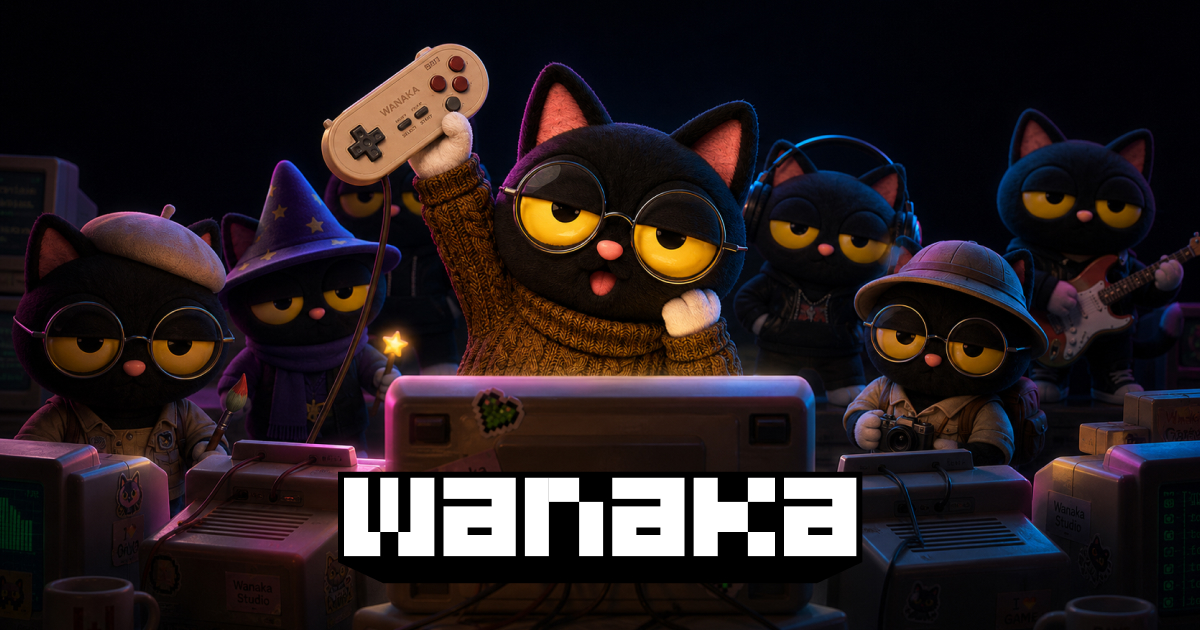
Wanaka Studio is an online AI 3D game maker for turning a written idea into a playable world. It combines an AI creation agent with a visual editing environment, allowing you to direct the initial build and then refine the result. The main appeal is the short path from an idea to a browser-playable prototype: you can explore a concept without first learning every part of a traditional game-development toolchain.
Wanaka's documented workflow starts with a natural-language description. You describe the game, inspect the first version, and continue through further instructions or direct edits. The official site presents the service as usable without programming experience. Its listed game types include racers, shooters, platformers, puzzles, exploration games, simulations, tower defense, and multiplayer arenas.
The creation environment covers more than a static scene. Wanaka describes support for characters, environments, animations, interface visuals, and audio. The Product Hunt launch also highlights a synchronized visual editor, auto-rigging, and publishing. These features establish the intended workflow; they do not mean that any complex game specification will be generated correctly in one attempt.
For a first project, define one player action, one objective, and one short level. For example, a useful test brief could describe a small racing course with a start line, checkpoints, and a finish condition. This is an editorial example of how to evaluate the tool, not a claim that this exact template is included.
After generation, play the core loop before adding visual detail. Check whether movement responds correctly, the goal is understandable, and the level can be completed. Then request a specific change, such as adjusting an obstacle or clarifying an interface element. Reviewing one change at a time makes it easier to distinguish an improvement from a newly introduced problem.
Use the visual editor when spatial placement matters and conversational instructions when describing the intended behavior. The product is built around iteration: the initial generation is a starting point, while the creator decides whether the world is coherent and enjoyable.
Wanaka publishes games through a shareable browser link. Visitors can open the published game without downloading a separate game client. The official site also provides a community forum for showing work, finding collaborators, and participating in playtests. This makes the platform useful for quick feedback on an idea rather than only for private experimentation.
Suitable evaluation projects include a short interactive story, a simple obstacle course, a classroom game concept, or a prototype for a small team. These are suggested use cases. Before promising a public release, test the published link on the devices and browsers your audience actually uses; a general browser-access claim is not a performance guarantee for every device.
The official website advertises a free starting option alongside monthly and yearly plans. At the November 18, 2026 check, the accessible pricing page did not expose a complete, dependable table of current amounts and allowances. This listing therefore does not present third-party price estimates as official prices.
Check the account's plan screen for generation credits, project limits, export options, and commercial-use conditions. In particular, a free starting option should not be interpreted as unlimited AI generation or unrestricted commercial publishing. Confirm which terms apply before building a client deliverable or a project intended to earn revenue.
Wanaka reduces the effort involved in assembling a first playable version, but the creator still needs to judge controls, objectives, pacing, accessibility, visual consistency, and performance. If a generated scene looks impressive but players cannot understand what to do, the prototype needs another iteration.
Treat claims about AAA-style output or token savings as vendor positioning rather than independent benchmarks. For a realistic trial, choose a small game you can assess yourself, keep a record of the requested changes, and compare the published result with the original brief. That gives you a more useful basis for deciding whether to expand the project.
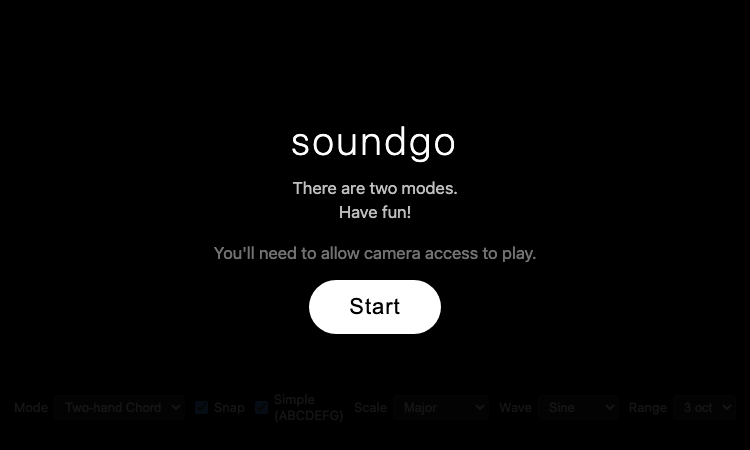
Soundgo - Play chords and melodies with your hands through your webcam. Free browser instrument, no install.
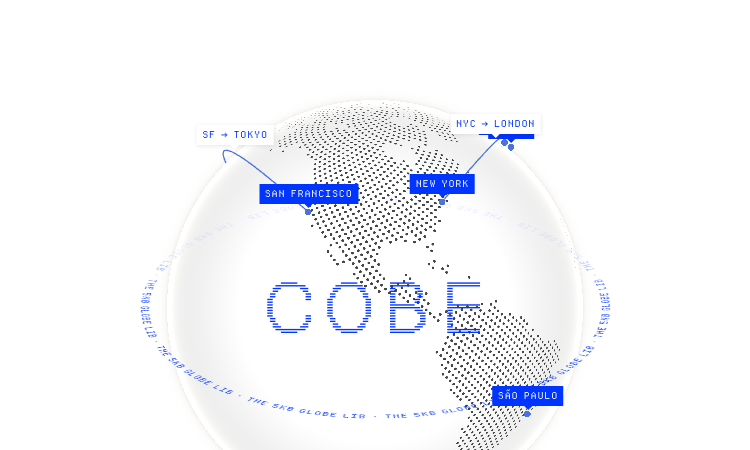
Cobe Js - The 5KB WebGL globe library by Vercel's Shu Ding: 3D globes for React, Vue and Svelte. MIT licensed, free.
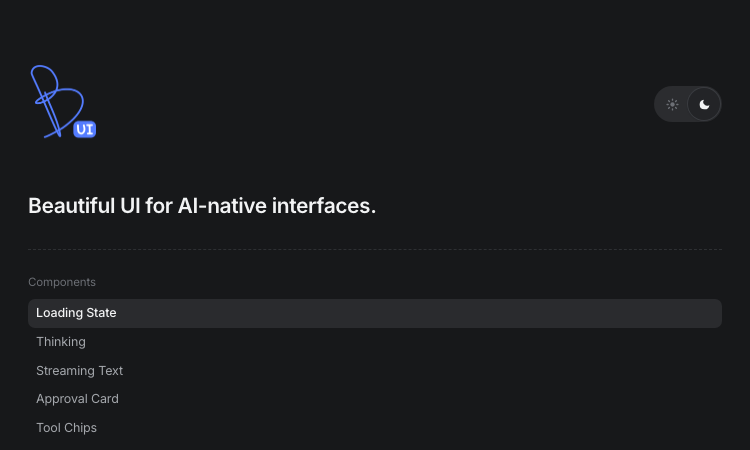
Beautiful UI - Crafted copy-paste components that make chat agents, tool calls, and approvals look stunning.
Watabou Github Io - browser-based map generators: realms, cities, villages, dungeons and mansions for game masters.
Pi Agent - Terminal-based minimal coding agent harness with tree sessions, skills, and 15+ model providers.

Gifify is an all-in-one AI visual platform. While our AI GIF Generator creates animations from text or images, you can n