
Plurai Simulation is an AI agent testing platform for teams whose agents call tools, read business data, and make changes to external systems. It builds a simulated environment around an existing agent so developers can investigate failures without automatically exposing real customers or production records to every experiment. Its focus is the sequence of decisions and actions, not merely whether the final answer sounds convincing.
Consider an agent that handles order changes. A useful test needs more than a customer message: the order must exist, tool responses must agree with one another, and the evaluator must know which final state is correct. Plurai's architecture is designed around that consistency. Mocked services share scenario state, so a tool call that changes a record can affect what a later tool call observes.
The agent and its test harness run locally, while Plurai's backend constructs and serves simulation components and evaluates results. The product includes plugins for supported coding assistants and a Python SDK. This is a combination of local execution and a hosted service, not a wholly offline test runner.
The initial scan identifies the agent's tools, data sources, and relevant workflows. You review which dependencies to mock and which to leave connected. The generated project folder contains configuration, a test harness, and scenario information, allowing the testing setup to live alongside the agent's code.
You can supply additional material, including production traces, knowledge sources, and representative records. These inputs help make scenarios more relevant, but they are optional. If a knowledge base is not supplied or connected, do not interpret a successful run as validation of that missing source. Choose inputs that represent the behavior you actually need to test.
The suite-building stage produces simulated users, initial world states, and evaluations. Each scenario should have a coherent goal and data that supports it. The run stage exercises the real agent against that setup. Documentation describes repeated scenario execution to help identify inconsistent behavior rather than treating a single lucky result as reliable.
Reports provide scenario outcomes and evidence such as conversation traces, failed checks, and final world state. The fix workflow can propose changes for identified gaps, after which developers select the changes to apply and rerun the suite. A diagnosis is not itself a verified repair: the follow-up run is the evidence that the particular regression has improved.
An illustrative test for an order-management agent would ask it to change the delivery address for one eligible order while leaving another untouched. The evaluator could inspect both records after the conversation. This example shows why checking state changes can be more useful than accepting an agent's statement that it completed the request.
The public pricing page checked on November 18, 2026 lists a Free package with a one-time allowance of 12,300 credits, two agent setups, seven scenarios, three runs, and ten sandbox hours. Once the free allowance is exhausted, simulations pause until a paid package is selected; it is not a monthly reset of the same free allocation.
Base is listed at $60 per month and Business at $210, with different recurring usage allowances. Additional usage requires an overage limit to be enabled, and the default limit is zero. Compare runs, scenarios, and sandbox time together: a longer tool-heavy conversation can consume resources differently from a short text-only test. Check current pricing before scheduling larger suites.
The documentation supports Claude Code, GitHub Copilot CLI, and Codex CLI workflows, alongside several agent frameworks. It distinguishes available integrations from planned support; do not assume a listed roadmap feature is ready for production use.
Local execution does not mean all test data stays on the developer's machine. The architecture description says selected simulation inputs and conversations are sent to the backend. Review those inputs before including sensitive traces, and explicitly inspect any tool left in real or observe mode. A passing suite covers the supplied cases and checks, not every possible production failure.
Workflow documentation · Architecture and data flow · Pricing
Soundgo - Play chords and melodies with your hands through your webcam. Free browser instrument, no install.
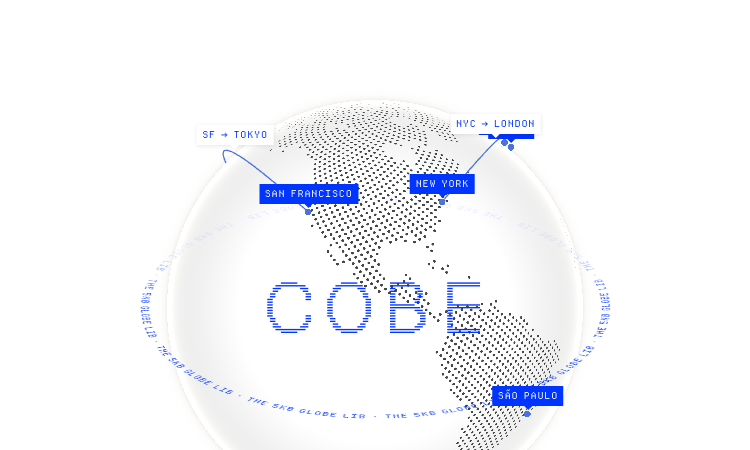
Cobe Js - The 5KB WebGL globe library by Vercel's Shu Ding: 3D globes for React, Vue and Svelte. MIT licensed, free.
Beautiful UI - Crafted copy-paste components that make chat agents, tool calls, and approvals look stunning.

Watabou Github Io - browser-based map generators: realms, cities, villages, dungeons and mansions for game masters.
Pi Agent - Terminal-based minimal coding agent harness with tree sessions, skills, and 15+ model providers.

Gifify is an all-in-one AI visual platform. While our AI GIF Generator creates animations from text or images, you can n