
GitHub Replica is an open-source AI prototyping toolkit for teams that want interactive mockups to reflect their existing product. Created by GitHub Design, it connects natural-language iteration with a running prototype in the GitHub Copilot app. Designers, product managers, and engineers can explore a workflow together before deciding how it should be implemented in a production application.
Replica's starting point is the team's components, interface patterns, and written guidance. Instead of asking an assistant to invent a visual language, you give it approved materials that describe how the product should behave and look. The quality of that guidance affects how useful the generated result will be.
The Replica plugin adds a canvas that displays the running prototype beside the conversation. You can ask for a change, interact with the updated screen, and refine the request. This is useful for questions that are difficult to resolve with a static image, such as what happens after a user applies a filter or submits an incomplete form.
The documented local workflow requires the GitHub Copilot app, Git, Node.js with npm, and macOS or Linux. Additional setup utilities are listed in the local guide. Model access comes through a compatible Copilot plan or a configured external provider, whose access conditions and charges still apply.
You can begin with a local prototype without setting up a Hub, a public domain, or shared hosting. The toolkit offers a Minimal starter for adapting to your own design system and a CoreAI Sandbox starter with an existing layout and components. An existing team prototype repository can also be reused; starting a new project is not mandatory for every session.
Open the project in Copilot, review its setup instructions, enable the Replica plugin and canvas, and confirm that the starter runs before changing it. Next, add the team's design guidance and describe one small interaction. Work on a single flow that someone can evaluate in a few minutes instead of immediately requesting an entire application.
As an editorial example, a product team could prototype an issue-filter builder using its own buttons, input fields, and empty states. The first review would check whether people understand the filter choices and can recover from an invalid combination. This is a suggested use case, not an included feature promised by the Replica maintainers.
Keep sample data separate from real customer information. Compare the generated interaction with the original brief, and ask for specific corrections. A working preview demonstrates the prototype's behavior; it does not show that the code meets your production performance, security, or accessibility requirements.
Replica Hub is optional infrastructure operated by your organization. It lets teammates open published prototypes and leave comments. The shared-hosting guide calls for a Linux server, Docker and Docker Compose, persistent storage and backups, an isolated dedicated domain with wildcard DNS and HTTPS, and the necessary GitHub permissions.
This creates a useful distinction: local experimentation can start quickly, while shared publishing requires operational ownership. Someone needs to maintain the Hub, access configuration, and backups. If those arrangements are not ready, the official workflow allows the team to continue local prototyping and connect the same project later.
Replica's code is available under the MIT license. The open-source license does not include unlimited Copilot or third-party model usage, and a hosted Hub can incur infrastructure costs. Viewing a finished prototype or reviewing it in Hub does not itself require a Copilot subscription, according to the project documentation.
Self-hosting also does not mean no data reaches external providers. GitHub and the selected AI service retain their own processing terms, while Hub records publishing and review activity under the organization's configuration. Review the project's security and retention guidance before introducing confidential material.
Replica is a strong fit for a team with reusable components and clear design guidance. It is less of a turnkey option for someone seeking a fully managed, no-setup website builder. Use it to test product decisions and gather feedback, then apply a separate engineering review before promoting prototype code into a live service.
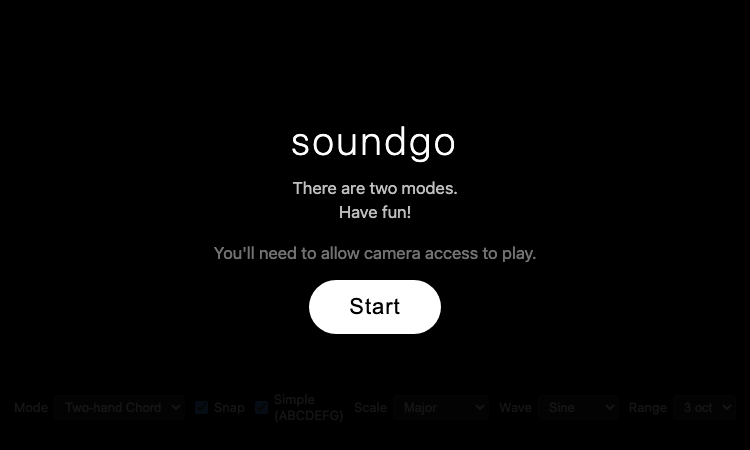
Soundgo - Play chords and melodies with your hands through your webcam. Free browser instrument, no install.
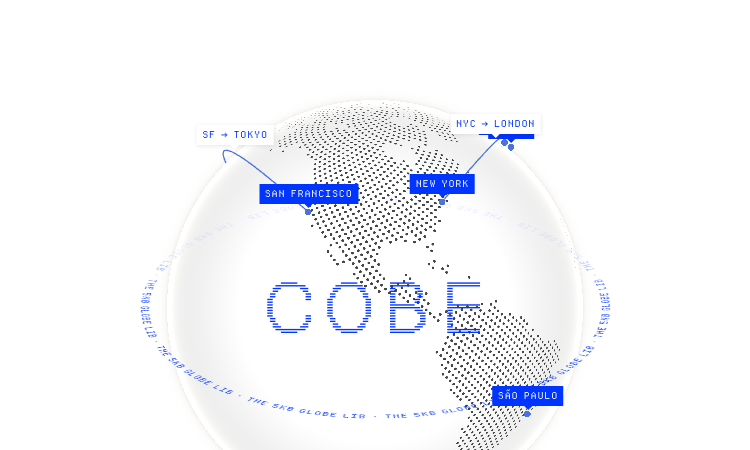
Cobe Js - The 5KB WebGL globe library by Vercel's Shu Ding: 3D globes for React, Vue and Svelte. MIT licensed, free.
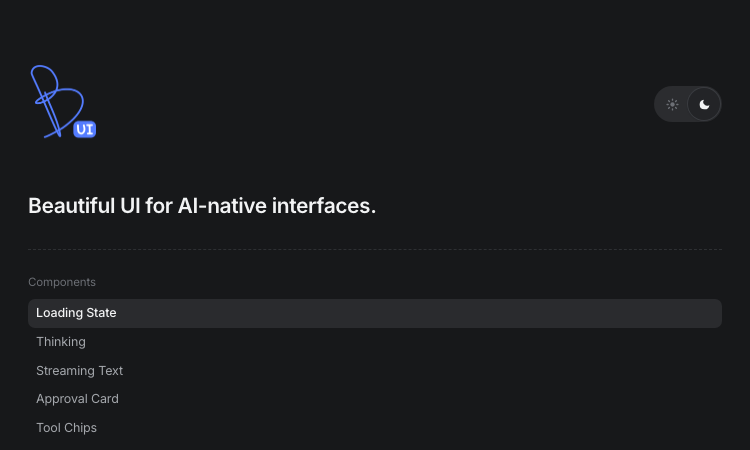
Beautiful UI - Crafted copy-paste components that make chat agents, tool calls, and approvals look stunning.
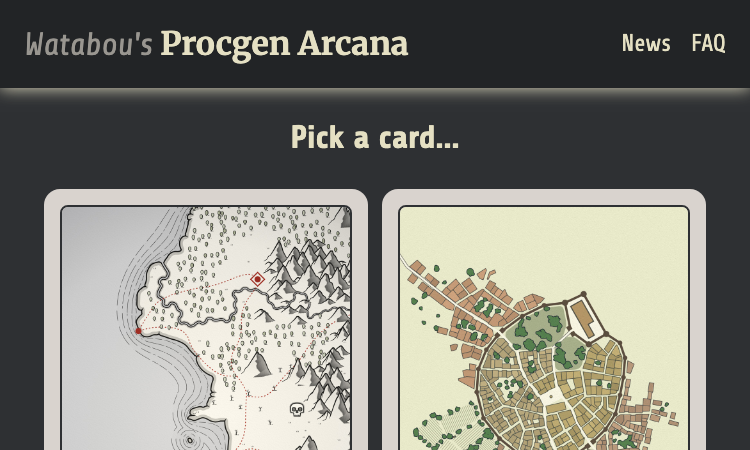
Watabou Github Io - browser-based map generators: realms, cities, villages, dungeons and mansions for game masters.
Pi Agent - Terminal-based minimal coding agent harness with tree sessions, skills, and 15+ model providers.

Gifify is an all-in-one AI visual platform. While our AI GIF Generator creates animations from text or images, you can n