
Alsona is an AI sales prospecting platform for finding relevant companies, researching why they might need your offer, and managing outreach through LinkedIn and email. Its distinguishing feature is the connection between account research and the message that follows: a prospect enters a campaign because of a business signal or a selected source, rather than simply appearing in a large contact database. It is designed for founders, sales operators, and agencies that already understand the customers they want to reach.
The signal-led prospecting option monitors business activity such as recruitment, funding, reviews, website changes, and public discussions. The agent compares discovered companies with your targeting criteria and uses the relevant context when preparing outreach. A hiring event, for example, may suggest that an organization is expanding a department; it does not prove that the organization has budget for your product.
You can also start from LinkedIn searches, an uploaded prospect list, or a supported integration. These are different acquisition routes, not evidence that every imported contact has demonstrated buying intent. For a narrowly defined campaign, choose a few signals that have a clear relationship to the problem you solve instead of enabling every available source.
Account setup begins with your company website. Alsona extracts an initial company profile, audience, and pitch, which you review before proceeding. If the website is unsuitable, the setup guide describes entering the company information manually. Audience controls include job titles, industry, company type, size, and location, with inclusion and exclusion choices.
Next, describe the offer and customer pain points. Choose a conversation goal, supply the relevant meeting or demo link, and set the writing tone and message length. These inputs influence subsequent drafts, so an inaccurate pitch can spread across an entire campaign. Connecting a sender account is necessary before the agent can send outreach; creating an agent by itself does not establish that connection.
The agent guide distinguishes three operating modes. Full Autopilot can manage both outbound messages and replies. Outbound Autopilot sends outreach while leaving replies to you. Co-pilot requires review of outgoing drafts. Availability depends on the selected plan, and the practical choice is how much responsibility you want to delegate, not just how many messages you want to send.
Workflows can be assembled with AI assistance, manually, or from templates. Review the sequence, timing, message variations, and sending schedule before launching. A unified inbox helps keep email and LinkedIn conversations together. Higher plans include capabilities such as CRM synchronization and API access, which are useful when another system remains the team's record of customers and opportunities.
The public pricing page checked on November 18, 2026 lists Starter at $99 per month, Pro at $149, and Ultra at $499. Starter lists 500 high-intent prospects and two active agents; Pro lists 2,500 prospects and eight agents; Ultra lists 10,000 prospects and unlimited agents. The page also lists additional sender charges. Check the current checkout for the exact package and billing terms.
The seven-day trial is a trial of paid service, not a permanent free tier. Some help articles use different allowance terminology or older package details, so use the live pricing page when comparing capacity. Approval mode, CRM features, and the number of running agents are worth comparing alongside the headline price.
Alsona is most relevant when a team can explain its ideal customer and maintain a useful offer. As an illustrative workflow, a small B2B vendor could target companies hiring a particular operational role, inspect the evidence, and approve a short message addressing that role's likely problem. That is a suggested application of the documented features, not a measured campaign result.
Before scaling, inspect a sample of leads and drafts for relevance, factual accuracy, and unwanted overlap. Automated outreach still depends on account permissions, provider rules, deliverability, and recipients' preferences. Buying signals and AI-generated messages do not guarantee qualified meetings or revenue.
Company setup guide · Agent workflow guide · Current pricing
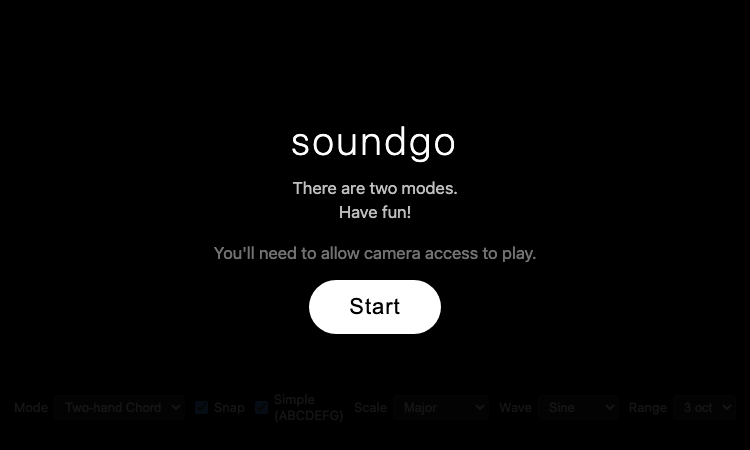
Soundgo - Play chords and melodies with your hands through your webcam. Free browser instrument, no install.
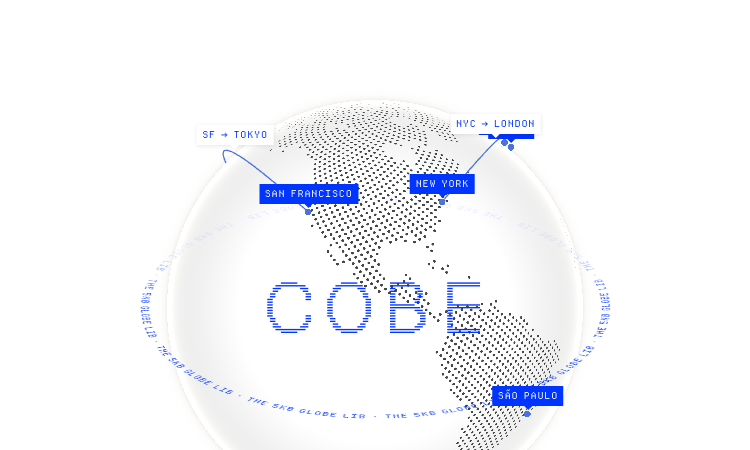
Cobe Js - The 5KB WebGL globe library by Vercel's Shu Ding: 3D globes for React, Vue and Svelte. MIT licensed, free.
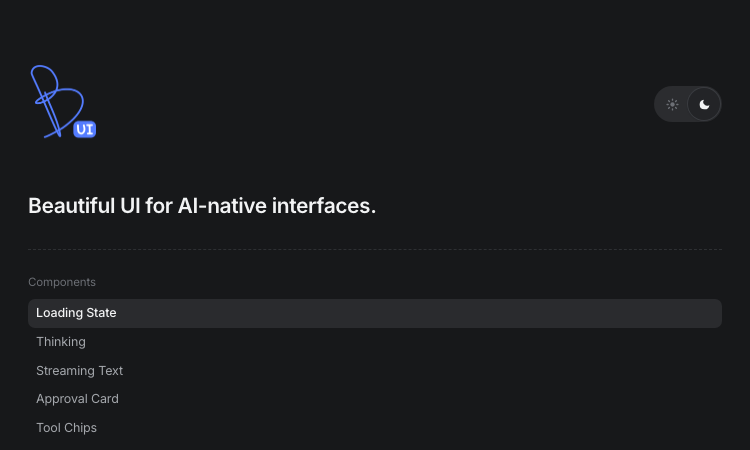
Beautiful UI - Crafted copy-paste components that make chat agents, tool calls, and approvals look stunning.
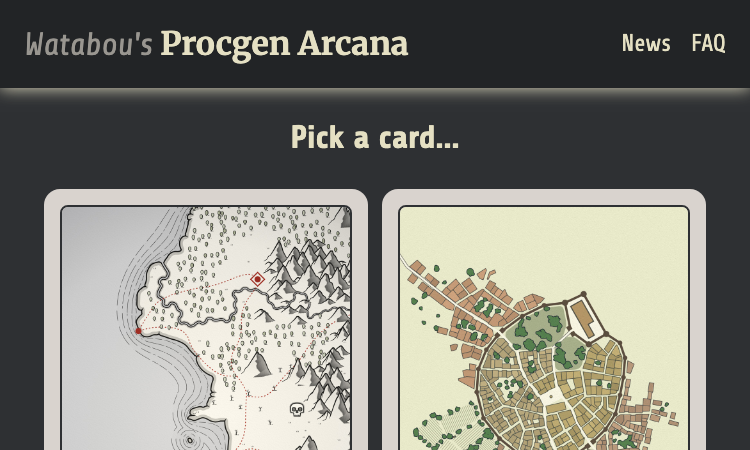
Watabou Github Io - browser-based map generators: realms, cities, villages, dungeons and mansions for game masters.
Pi Agent - Terminal-based minimal coding agent harness with tree sessions, skills, and 15+ model providers.

Gifify is an all-in-one AI visual platform. While our AI GIF Generator creates animations from text or images, you can n